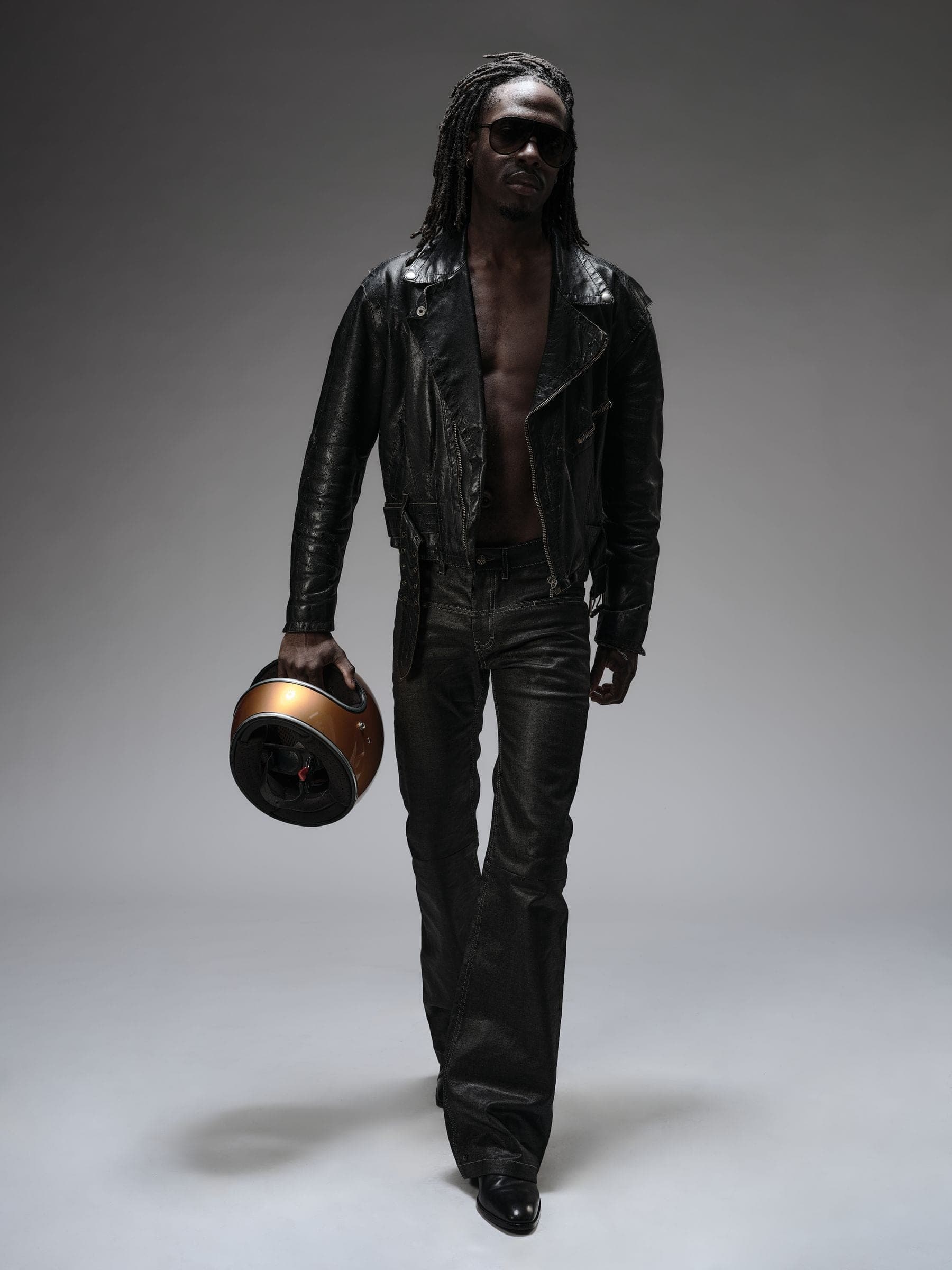
From first idea to shoot day.
A visual workspace for creative productions. Bring your references, styling, team and schedule together, and keep every detail connected.
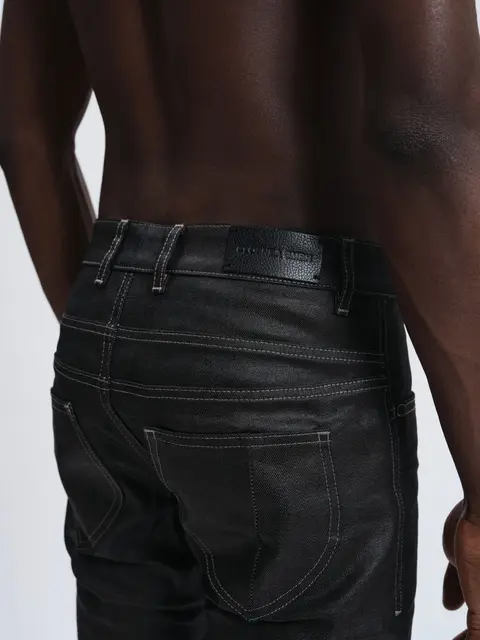
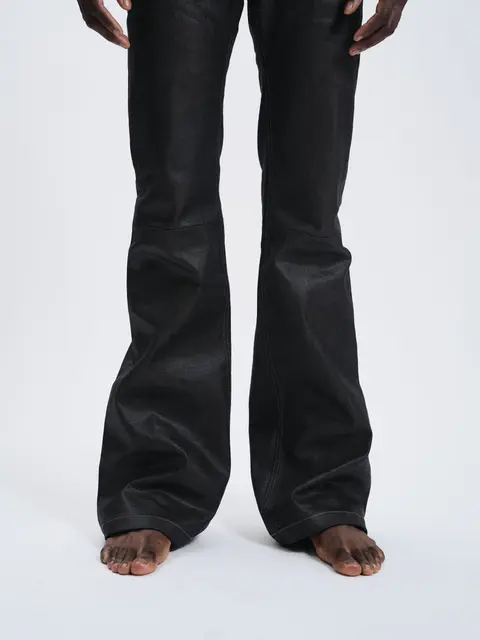
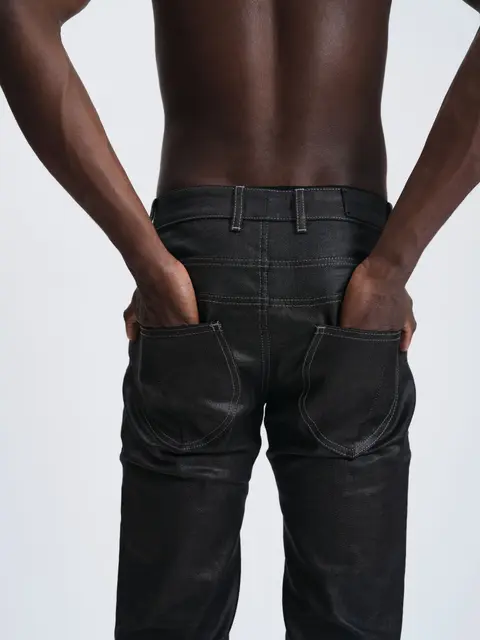
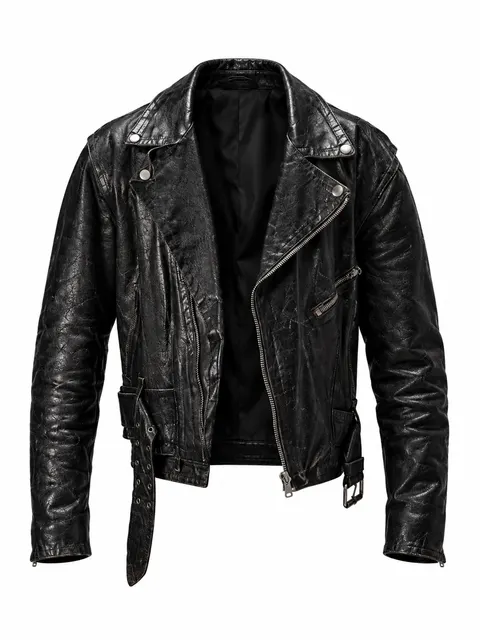
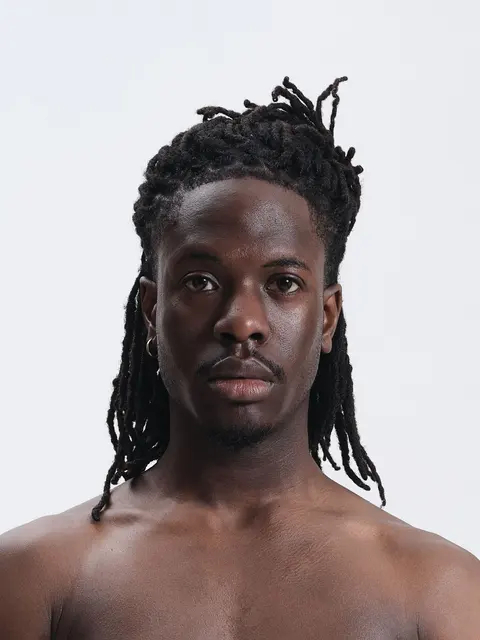
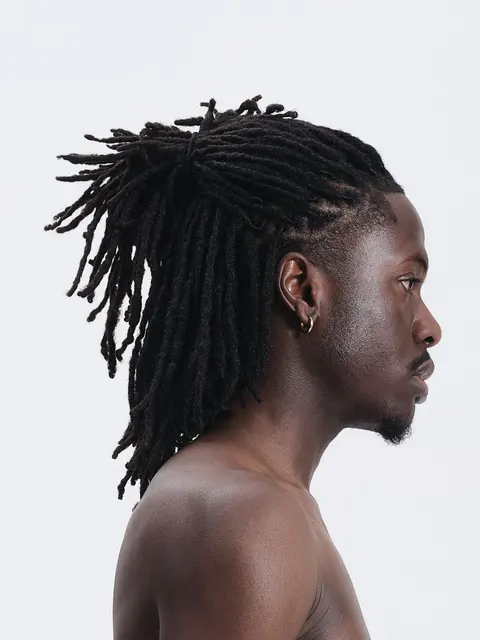
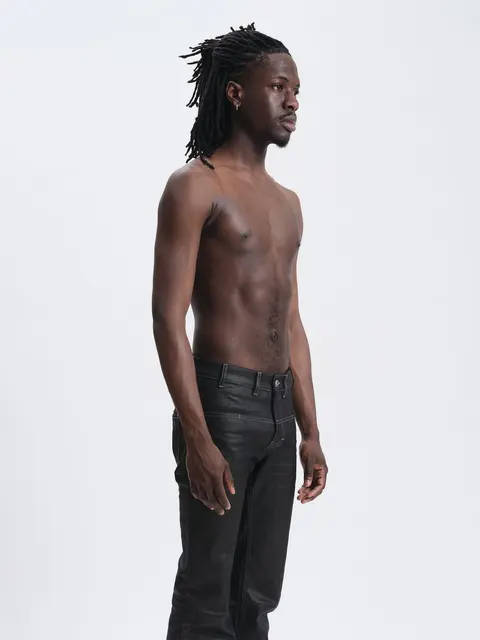
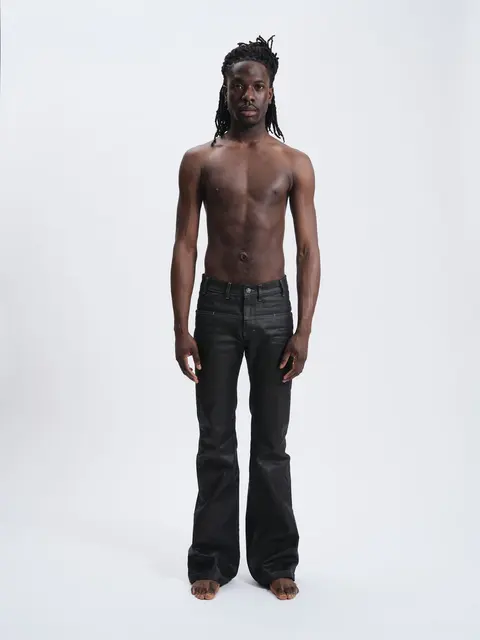
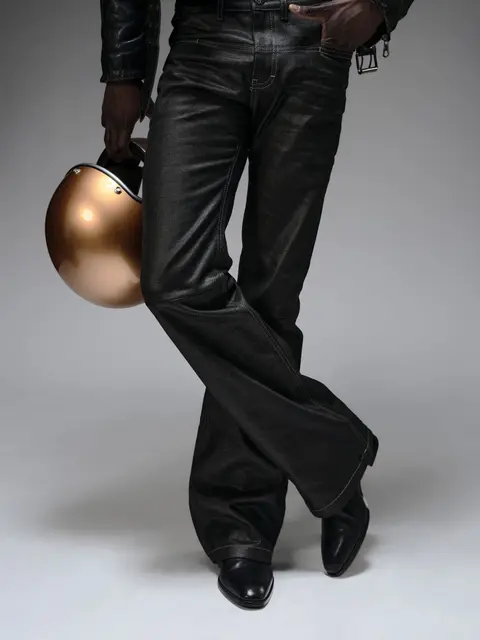
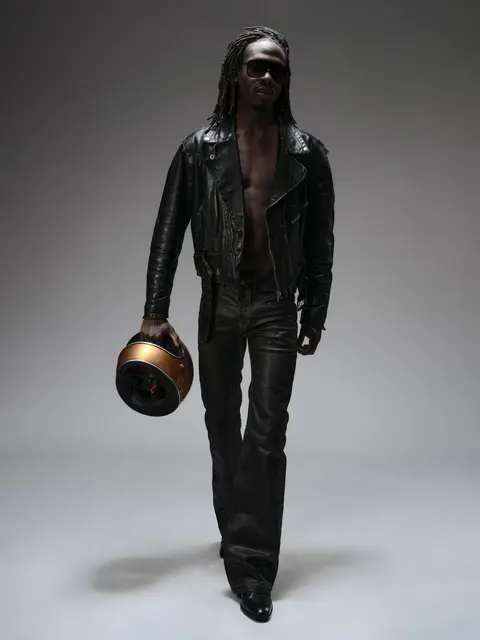
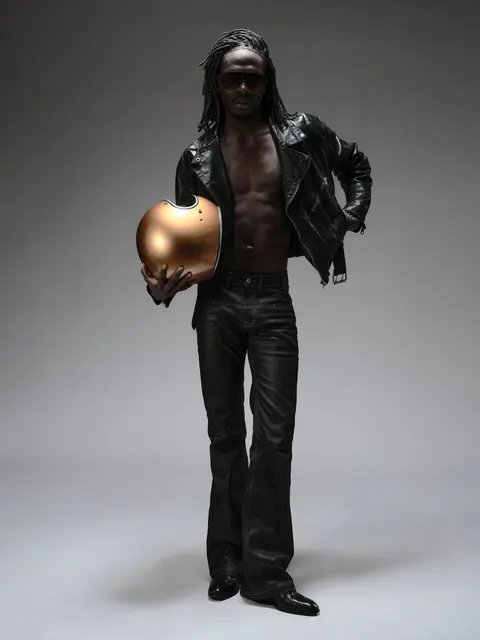
Switch between Board, Team and Timetable, or open the Details folder.
Collect your vision
Gather images, videos, notes and colours on a freeform board. Sort ideas into folders and linked boards as the direction takes shape.
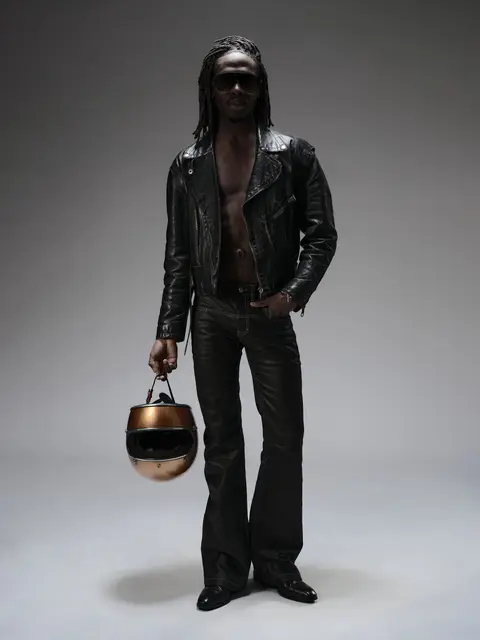
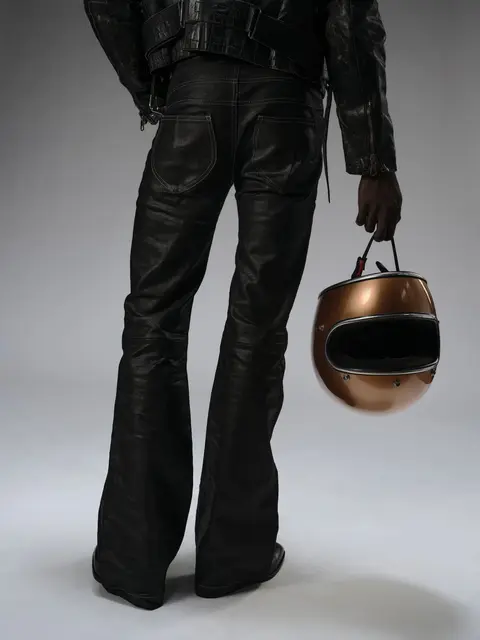
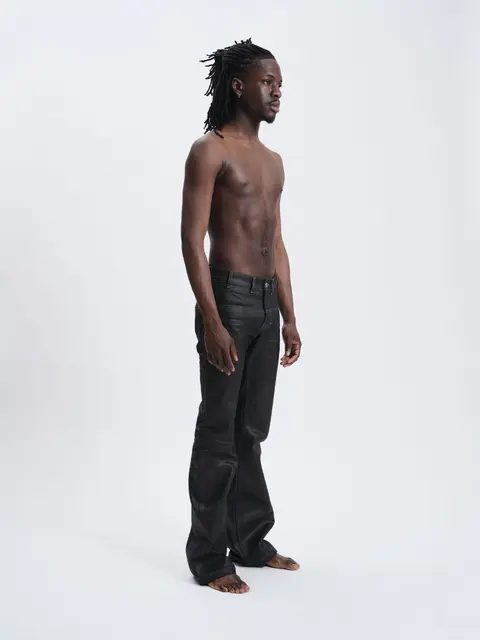
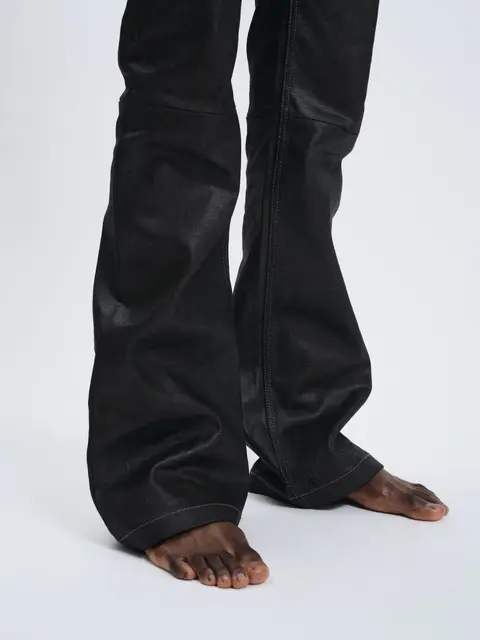
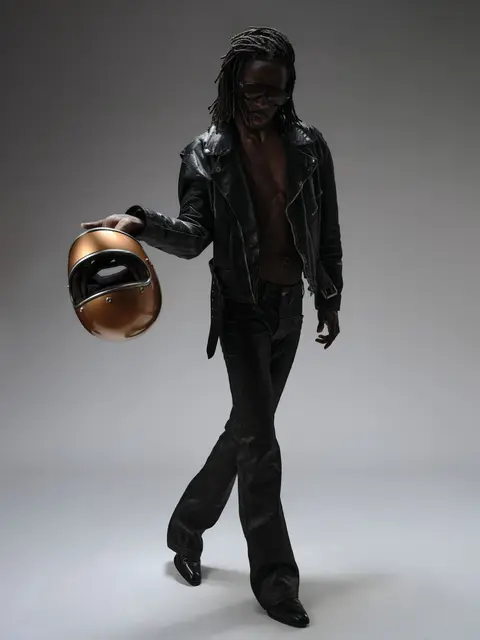
Build your production
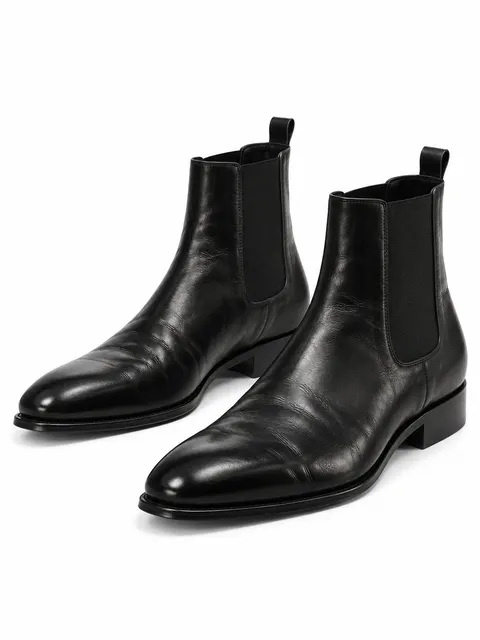
Looks and clothing pieces, model cards with measurements, the crew, kit and packing lists, to-dos and costs, on the same board as the references they came from.
- Bo YannPhotographer
- Nicolas CruzStylist
- Laura NickMakeup artist
- Marco PaganiniProducer
- Rubin O.Model
- Cesare RieglerAssistant
Stay ready on set
The timetable, call sheet and team details stay within reach when the shoot starts. Shoot mode puts them on your phone and keeps a copy for when the signal drops.
Assistant
Your ideas, with a little structure.
Give the assistant messy notes, pictures, PDFs or a client brief. It reads them and proposes references, tasks and a draft shot list for your board.
- Nothing changes until you allow it
- Every change waits for your OK, one at a time or all at once.
- What it adds stays yours to edit
- Its columns, notes and lists are ordinary board items.
- It runs on the model you connect
- Claude, OpenAI, Gemini, or a model on your own computer.
Press Allow all to let the assistant build the board, or Decline all to leave it as it is.
Every production, one workspace
Board, Team and Timetable are three views of the same project. The sidebar keeps your productions and their nested boards a click away, so you can move between shoots without losing your place.